Where is a list of online tools available to me as a faculty member?
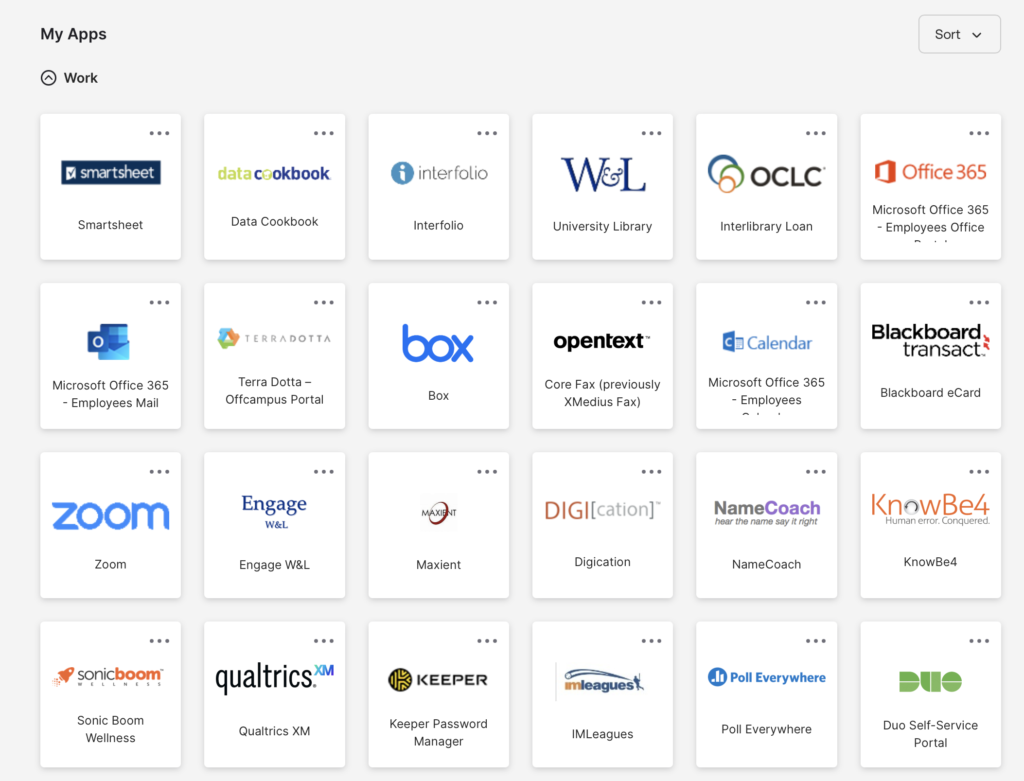
MyApps (Okta) is W&L’s identity management service
Allows single sign on access to university applications
Access ALL of the tools highlighted below through MyApps, as well as many others.
I want to send an email to my entire class:

In Outlook, type the name of the course in the “To” field, using this format:
COURSE_sectionWINTER2025-26@wlu.edu
For example, the student list for Econ 100 Section 1 would be:
ECON100_01WINTER2025-26@wlu.edu
I want to manage my class online (announcements, syllabus, electronic readings, assignments, tests, discussions, etc.):
Canvas is W&L’s Learning Management System
Preferred method for sharing course assignments and materials with students
I want to schedule a live video session with my students:

Live videoconferencing tool for hosting and recording online classes or office hours
Campus account allows for group meetings with up to 100 participants for up to 24 hours.
I want to share and collaboratively edit files with my students:

Cloud-based file storage workspace
Enables synchronous file collaboration and document sharing
I want to record video content and share it with my class:

Media management and live video capture tool
Fully integrated within Canvas for ease of class recording and sharing with students
I want to check out technology like headsets, microphones, and webcams:
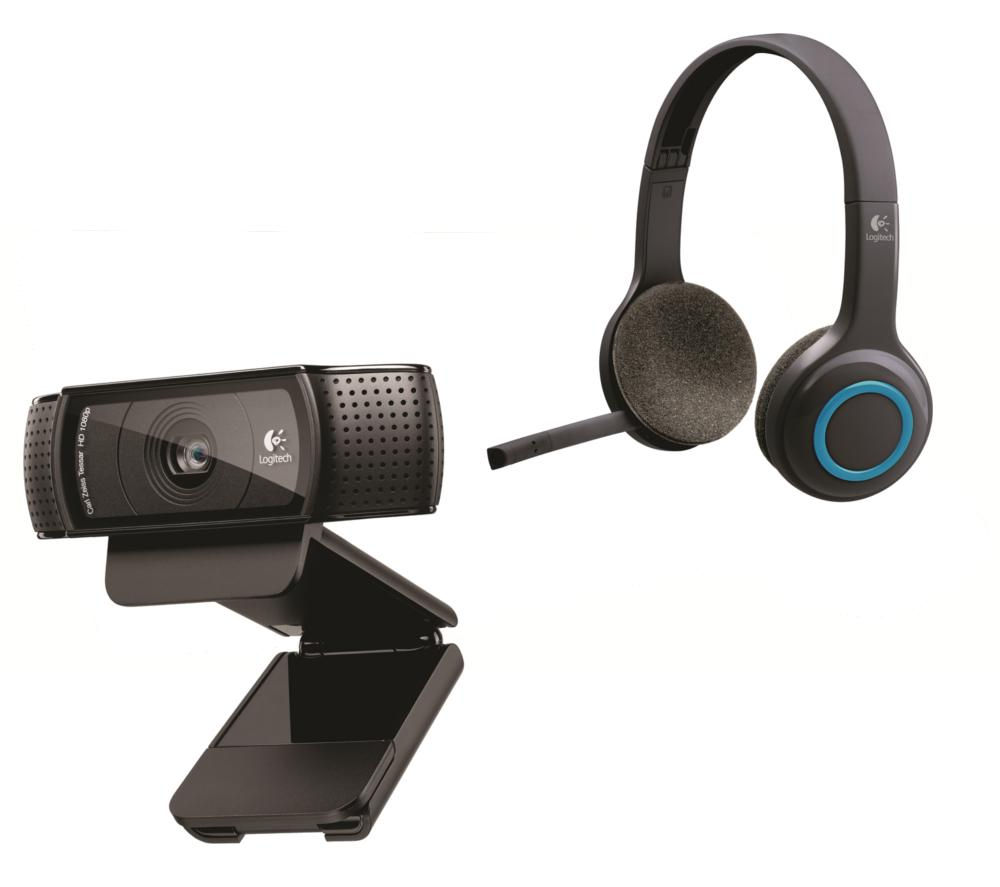
The University Library and ITS Help Desk collectively maintain a large collection of Technology for Checkout items
As a reminder, The Harte Center and Harte Center Academic Technologies are available to assist with the creation of digital course content and assignments.